This resource is intended to help you get familiar with the concepts of taxonomies, and how they will be used on your new site. For more detail on how to choose and create categories and tags, and how they impact SEO, read our in-depth article.
What are taxonomies on a website?
Taxonomies are a scientific method of organizing things into groups. On a website, they’re used to organize high-volume content that’s created as a post (not a page).
Adding taxonomies to a post type makes it easier for a user to browse, and as an added bonus it makes it possible for your team to automate where this content appears across the site.
A taxonomy is the parent grouping, such as “category.” A term is the label within that grouping, such as “web design.”
How do taxonomies work?
You’ve encountered the principle of taxonomies many times, possibly sometimes even more than once in a day.
The obvious example is a library or bookstore. The books are divided up into sections, and then have sub-sections within them. To find a book on travel to Vancouver Island, you would find the Canadian travel section, then BC, then Vancouver Island.
Another example is the grocery store. Everything is organized in departments, then in sections within those departments. Whole grain wrap shells are in the bakery, on a shelf for flat baked products in bags, grouped with other types of wrap shells.
Soft taco shells are technically flat bakery products, but they’re located in the Mexican foods section. This is a great example of catering your taxonomies to how the user wants to browse instead of rigid rules—the person making tacos can find seasoning, sauces, shells, refried beans, and canned peppers in one place, instead of having to visit the bakery, canned vegetables, canned legumes, and condiment aisles.
How many taxonomies do I need?
This depends on the content type and your audience. You should only add taxonomies for two purposes:
- To help users filter content in a way that they both expect and want
- To automate where content appears (we’ll get into that in a minute)
Taxonomies for Filters
Sometimes simplicity is best. The Forge and Smith blog only uses categories.
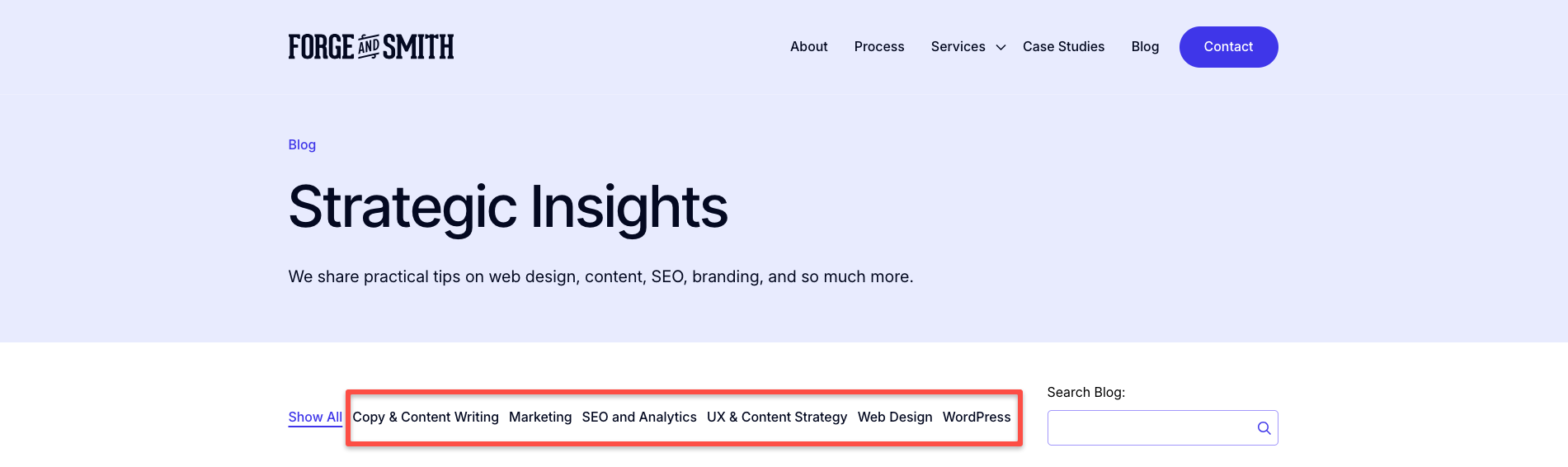
A second taxonomy adds another layer of grouping, which can be incredibly helpful to the user. An example is adding a “type” taxonomy, so the user can search for content in a specific category that also matches a medium like webinars, videos, guides, or infographics.
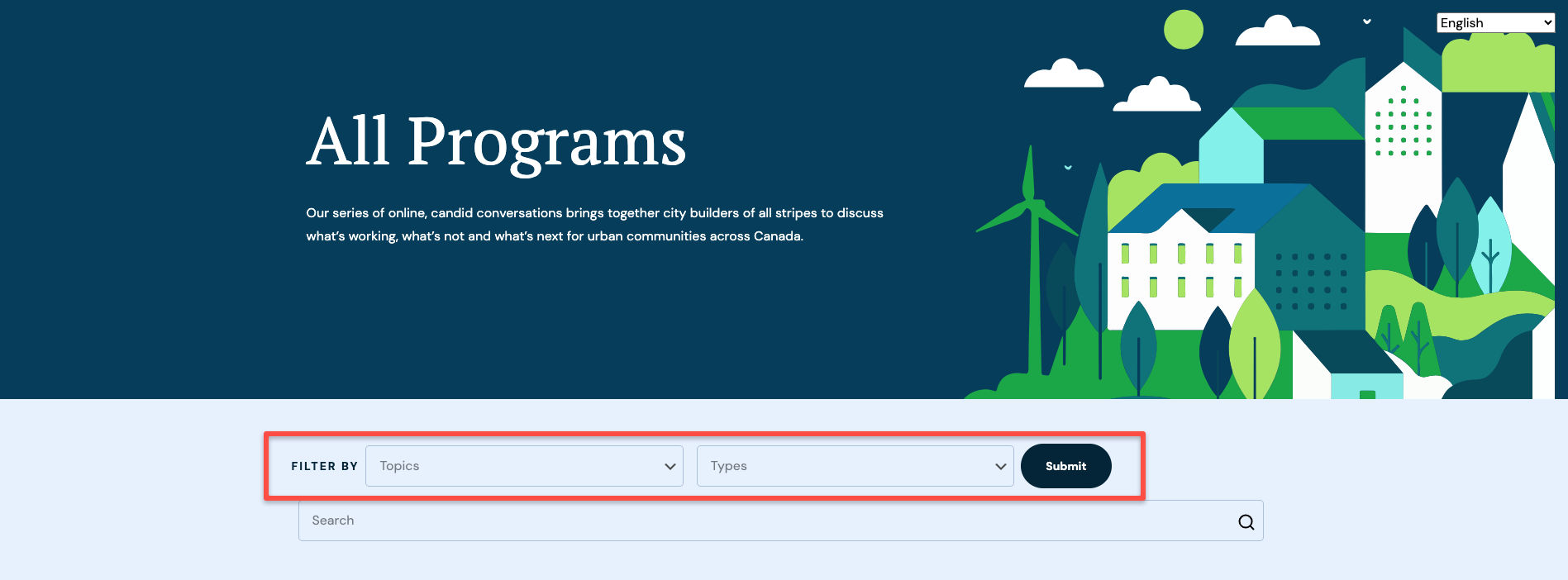
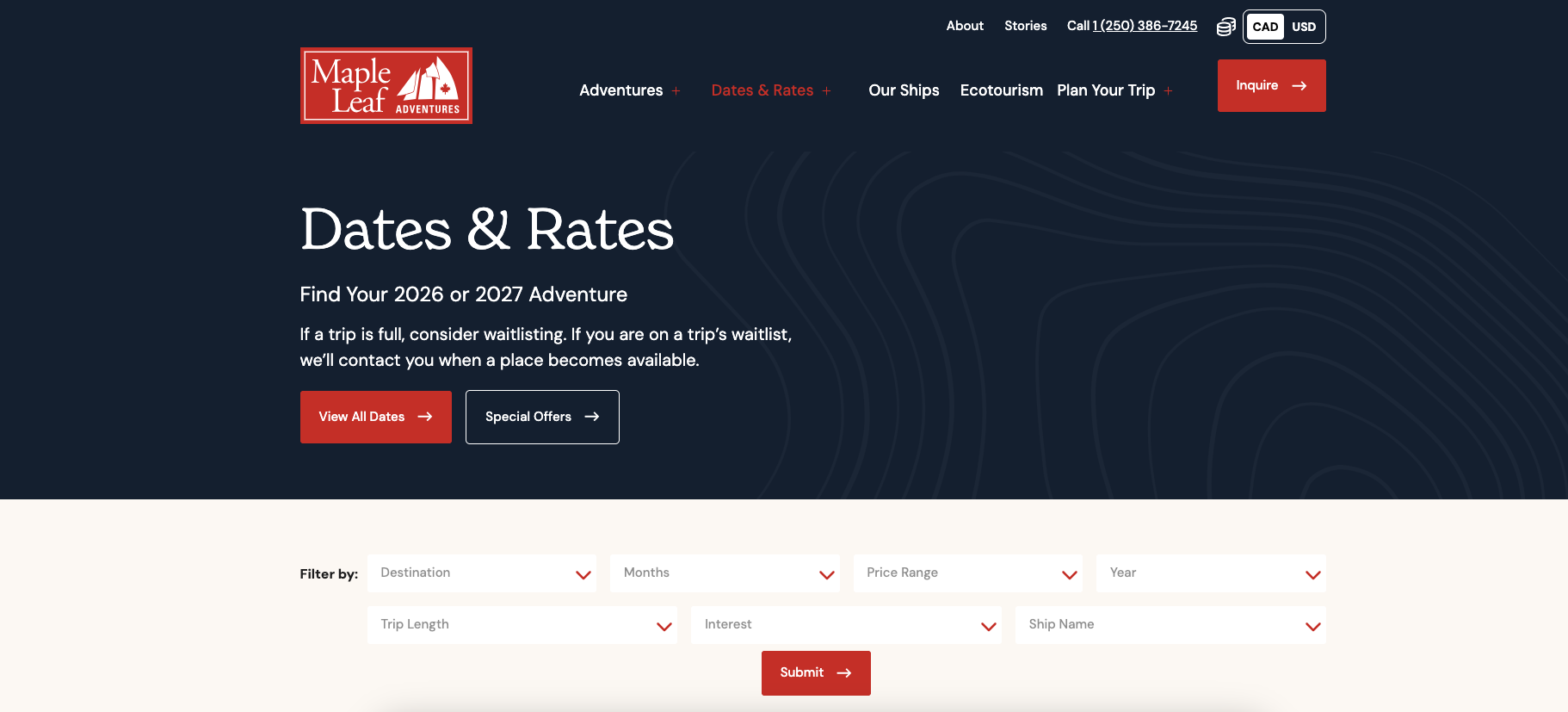
Additional taxonomies are extremely helpful for complex sites, like research institutes, and for B2C sites where the user’s needs are super-niche, like booking a trip.
Here’s a research site with three taxonomies for filtering purposes:

Here’s a travel site with seven taxonomies:
This last example is from a company that has a huge volume of team members, and we built them as a post type. This enables them to be filterable via taxonomies.

Taxonomies for Automation
Not every taxonomy is for your users. Some might get added to work a little WordPress magic in the backend of your site.
WordPress has a powerful component called a post loop, which we’ve enhanced with Refoundry Query Blocks. This block allows you to automatically pull into a layout the latest content of one type that matches specific taxonomies.
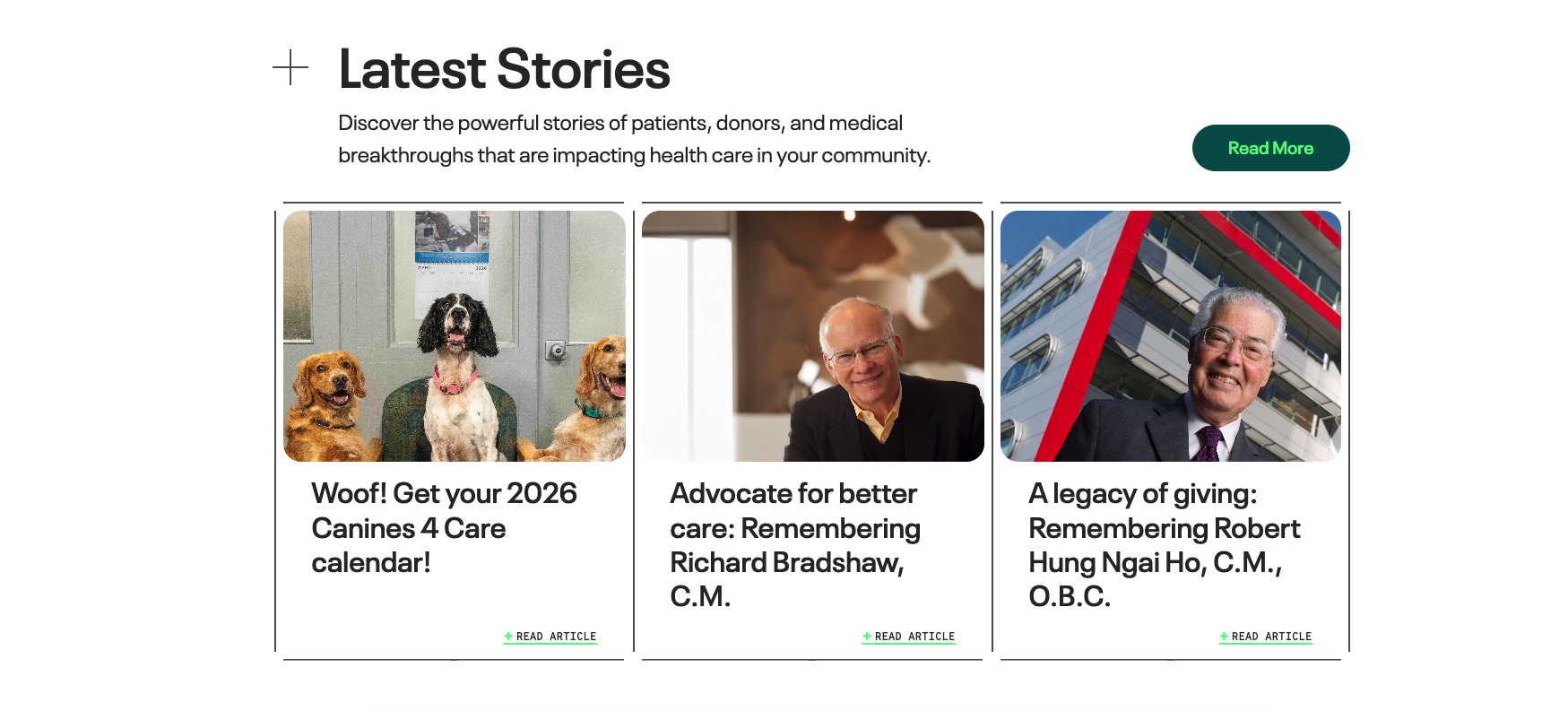
The most common example is displaying your latest news or events. This Query Block is only showing the latest content published using the News post type—no taxonomies are applied in this example.
A Query Block can show any number of posts, from just one to a whole page at a maximum that you set. For example, a Projects page is a Query Block that’s set to show all posts of the Projects type. If a user selects a filter option, the Query Block automatically updates the results to show only posts that match the chosen term, within the chosen taxonomy.
Query Blocks can easily be set up to be highly specific, which is done with taxonomies. Here’s an example where the Query Block is set to show the latest two projects, but only ones that have the “BC” term in the “Province” taxonomy.

And here’s an example from the same page, where the Query Block is set to show only News posts that have BC as the Province and also use the “Featured” taxonomy.

How many terms should I add to my taxonomies?
This is also primarily about usefulness to the user.
In the case of the research institute and the travel site, they need to include every single possible option as a term because that’s what their audience needs and expects.
For most business content, like blog posts or case studies, we recommend keeping terms to 10 or fewer.
Too many options can leave the user confused and frustrated. It can also become cumbersome to navigate the filter on mobile devices.