This resource is intended to help you understand all of the deliverables that you’ll encounter throughout our projects, and what it means when you approve each one.
Redesigning a website, or creating a new one from scratch, is an iterative process. We’ve broken it down into smaller deliverables, each providing the foundation for the next stage. We start with menus and navigation, and work all the way through development, QA, and launch.
This methodology of our process ensures that we’re giving focused consideration to the right aspects of the site at the right times, while collaborating with you and getting your official approval before moving on to each next step.
This is what you ‘locking in’ with each approval.
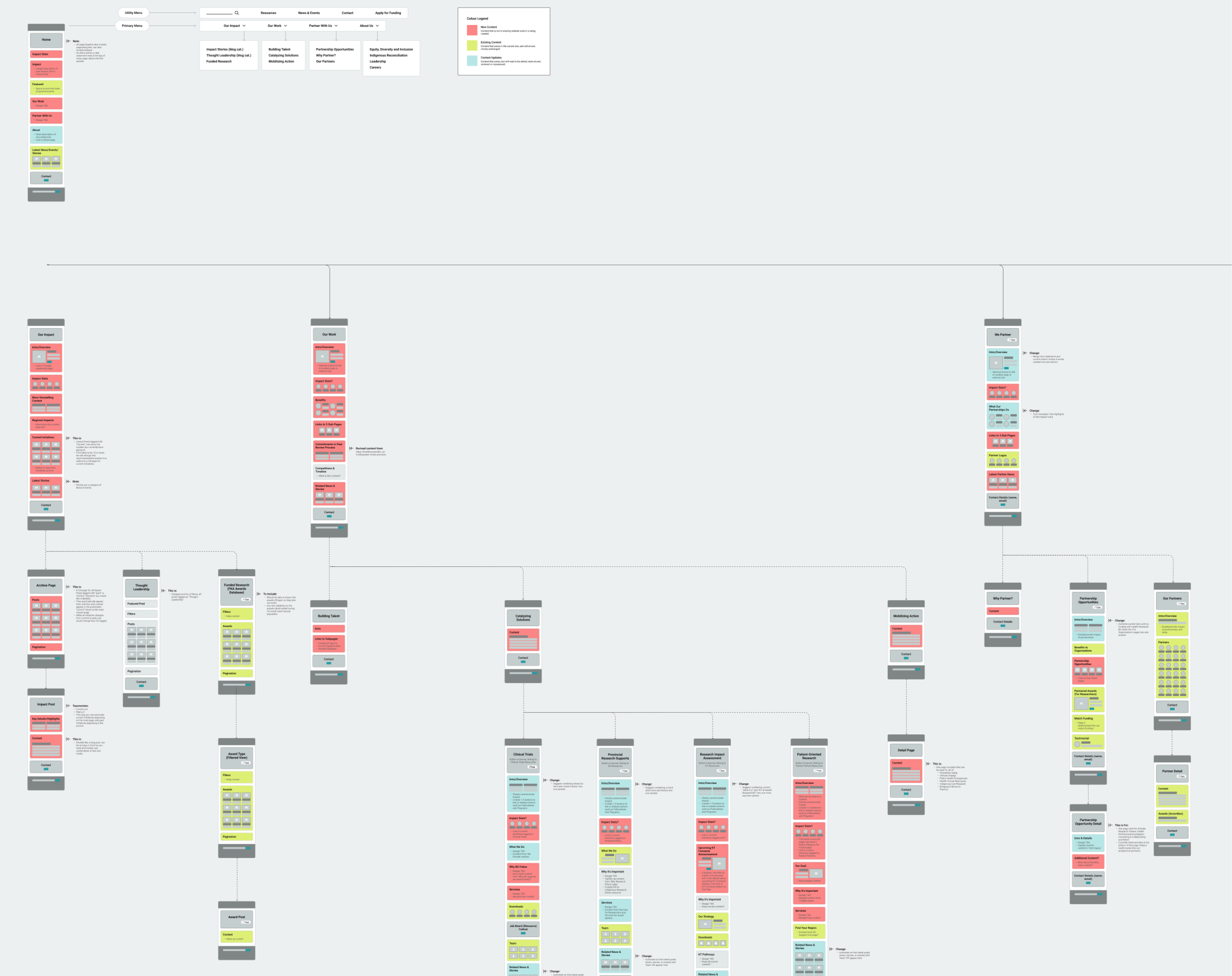
Sitemap
What to review and pay attention to:
The Preliminary Sitemap:
- Order of items in menus
- Hierarchy of pages
- All page and detail page/post templates are present
The Full Sitemap:
- Content areas you plan to drastically change
- Hidden content is present (marketing pages, logged in pages)
- Primary conversion point(s) are clear
- Provide any specific URL/permalink requests for discussion
- Content lists per page (don’t have to be perfect, but approximate)
- Filter options
- Relationships between content (‘related’ blocks, callouts)
Not important at this stage:
- Exact content per section
- Layouts of content per section
- Exact labels and page titles
Sitemap approval means that we’ve captured all of the pages your new site will need, and the main menu items are in the right order. Discovering a missing page later requires pausing that stage, re-opening the sitemap for at least one round, and then updating whichever design deliverable you’re currently working on.
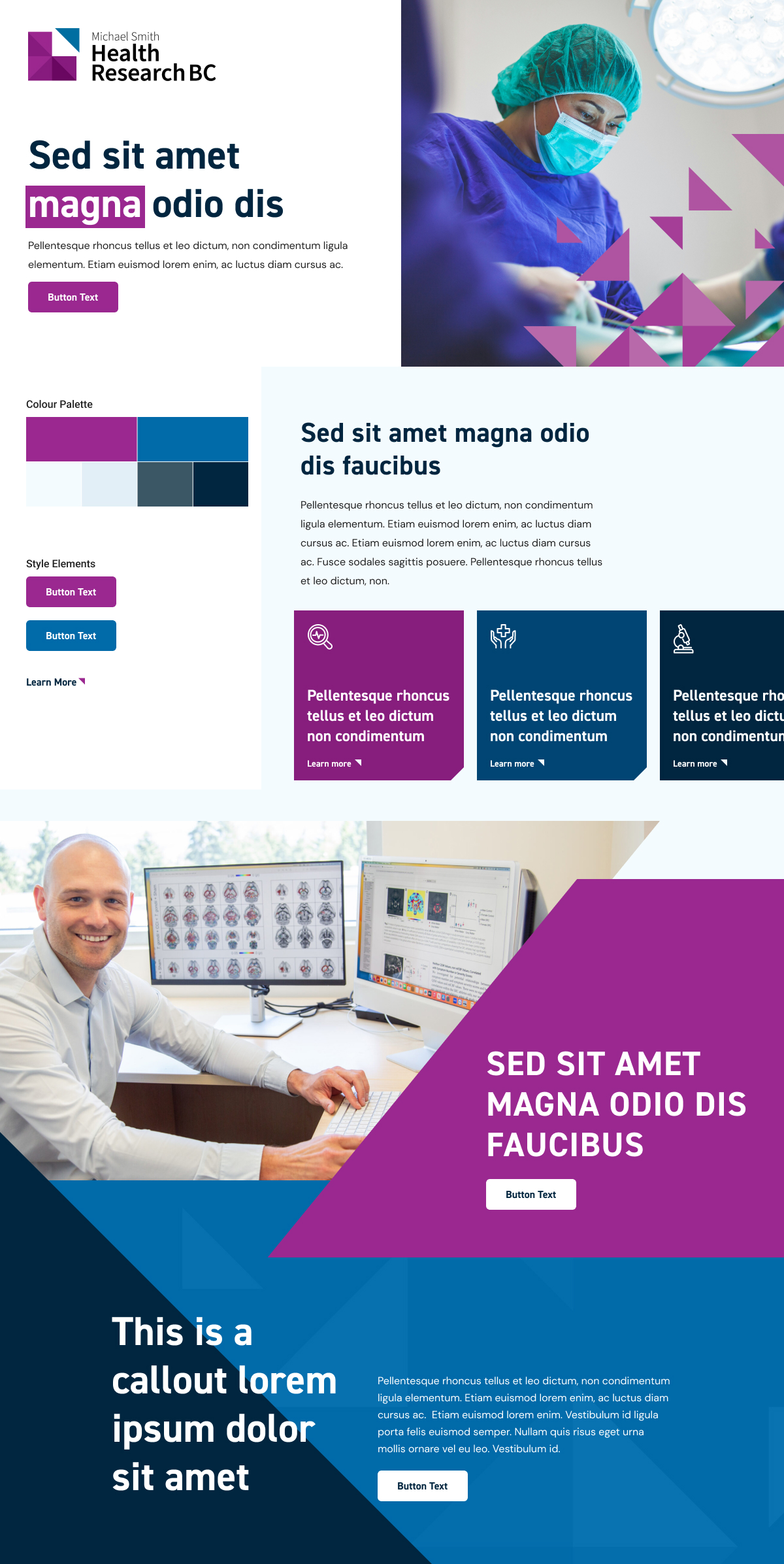
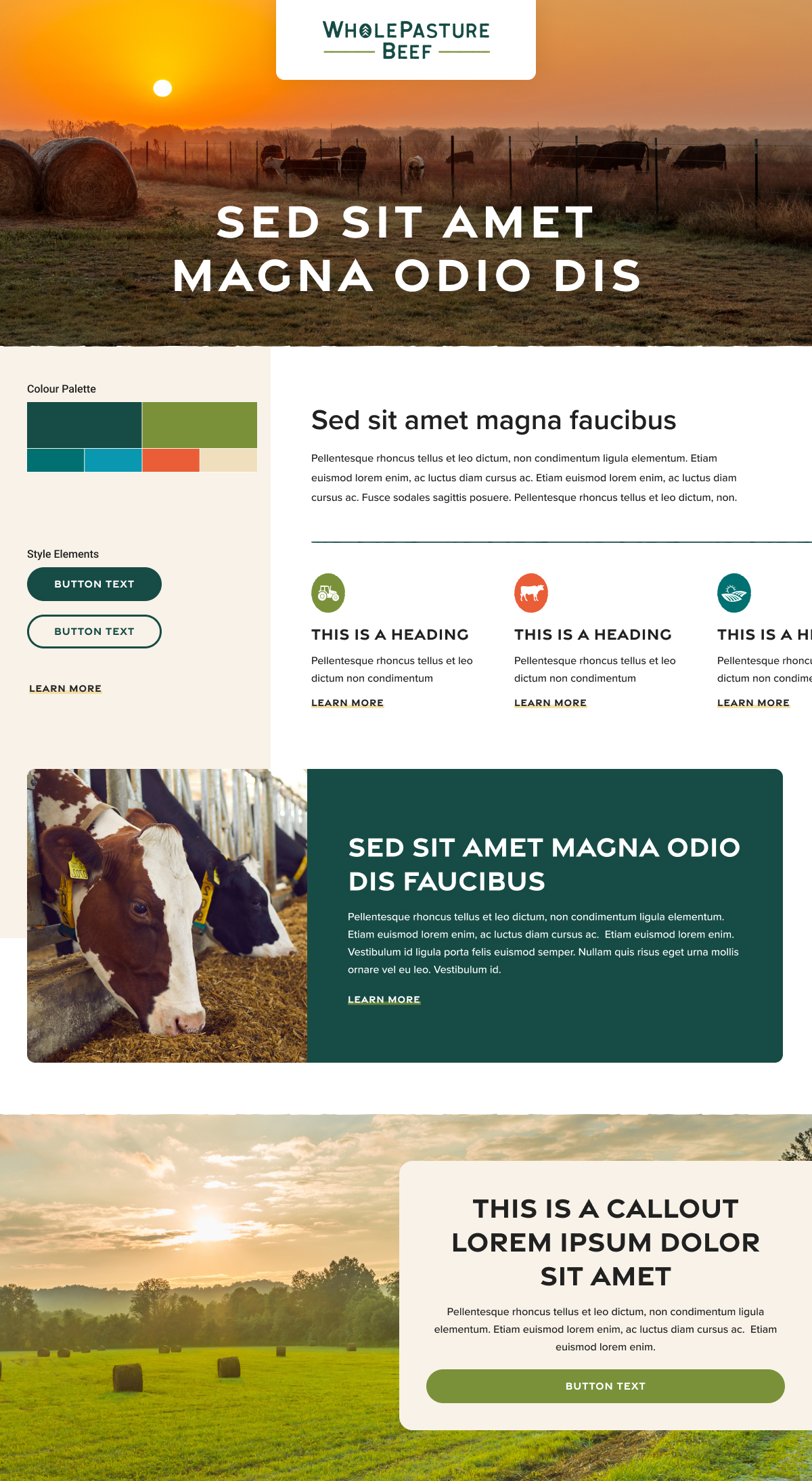
Style Tiles
What to review and pay attention to:
- The general design direction, look, and feel
- Specific element details feel on-brand: button/link styles, rounded corners vs square corners, accent colours, background colours or patterns
- Font selection and a general direction of how fonts are applied (sizing will be adjusted when we get to UI mockups)
- Colour palette and how those colours might be applied
- Photography style and direction – look and feel, not exact content
- Icon style and consideration: should icons be used, what style, and how are they applied (solid blocks, fine line icons, abstract icons)
Not important at this stage:
- Which exact parts of the site the elements on the tile will be used for, or what they represent
- Mocking up full content sections shown in the UX designs
A style tile is a mood board that sets the tone for the rest of the creative design. Style tile approval means we have a direction set for the look and feel of your website. Our designers will take this visual direction and apply it across the UX wireframes to create full UI designs mockups for you to review. If we get requests to change the UI designs that deviate from the approved style tile, we may have to come back to this stage (and this may be billable).
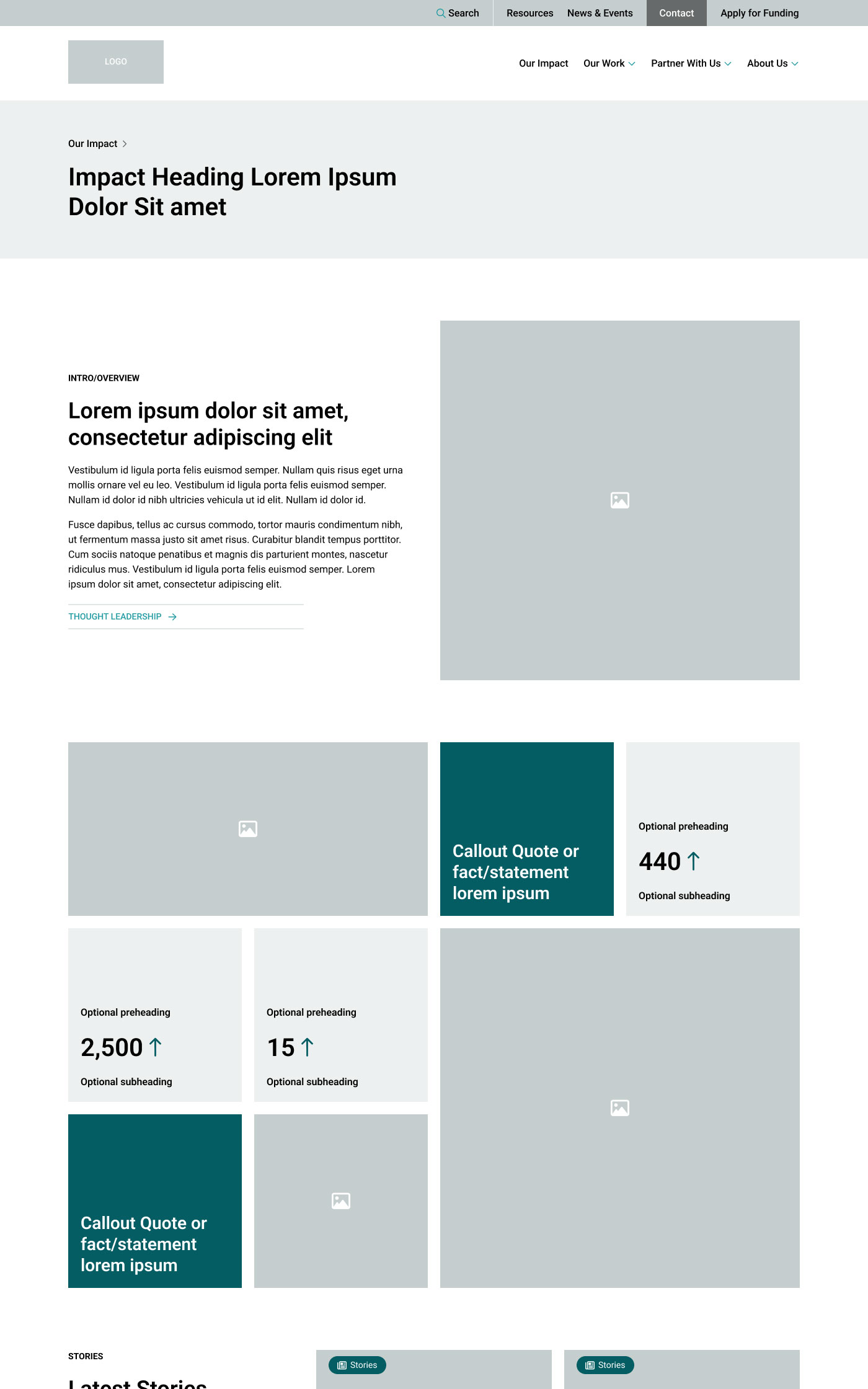
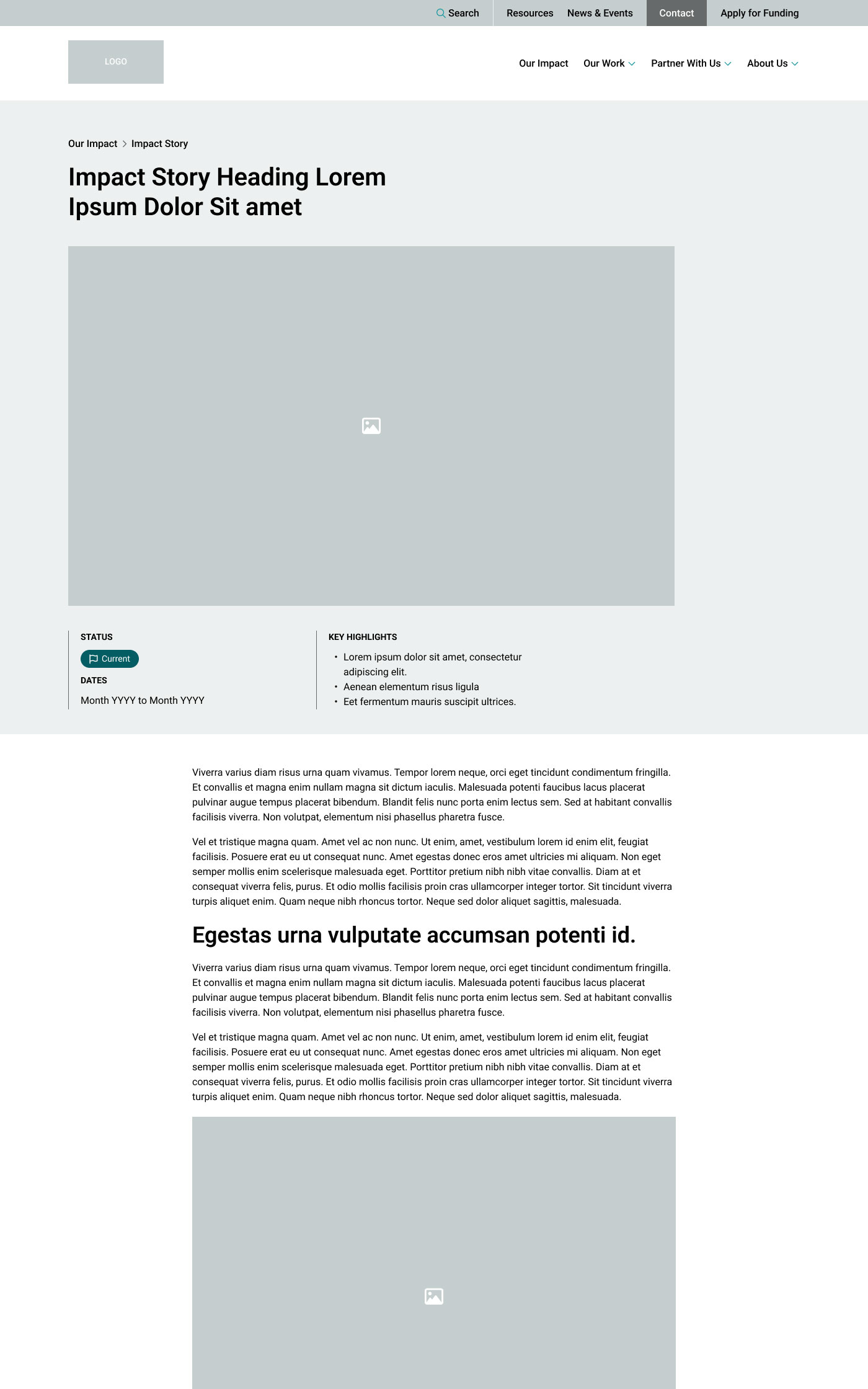
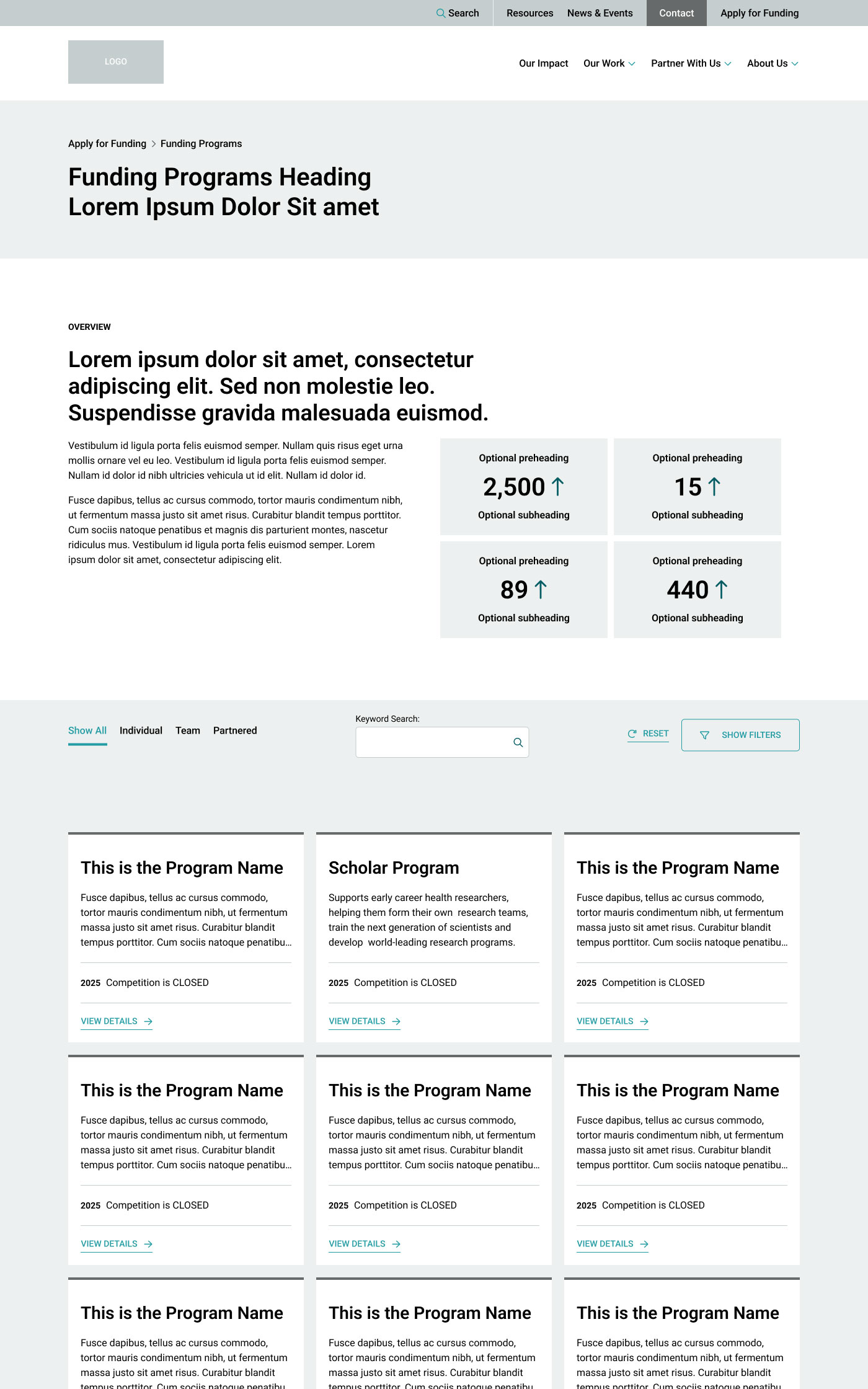
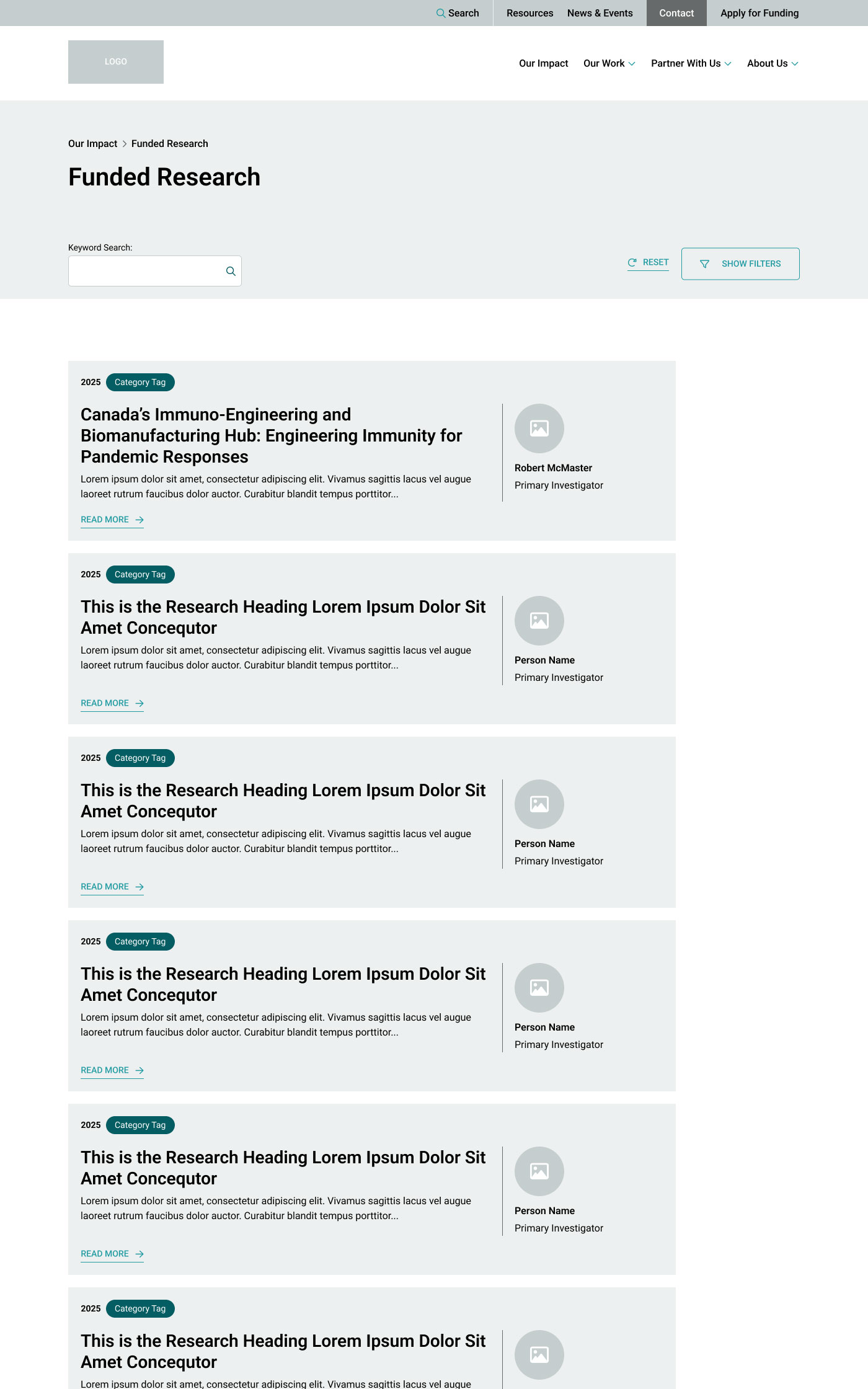
UX Prototypes
What to review and pay attention to:
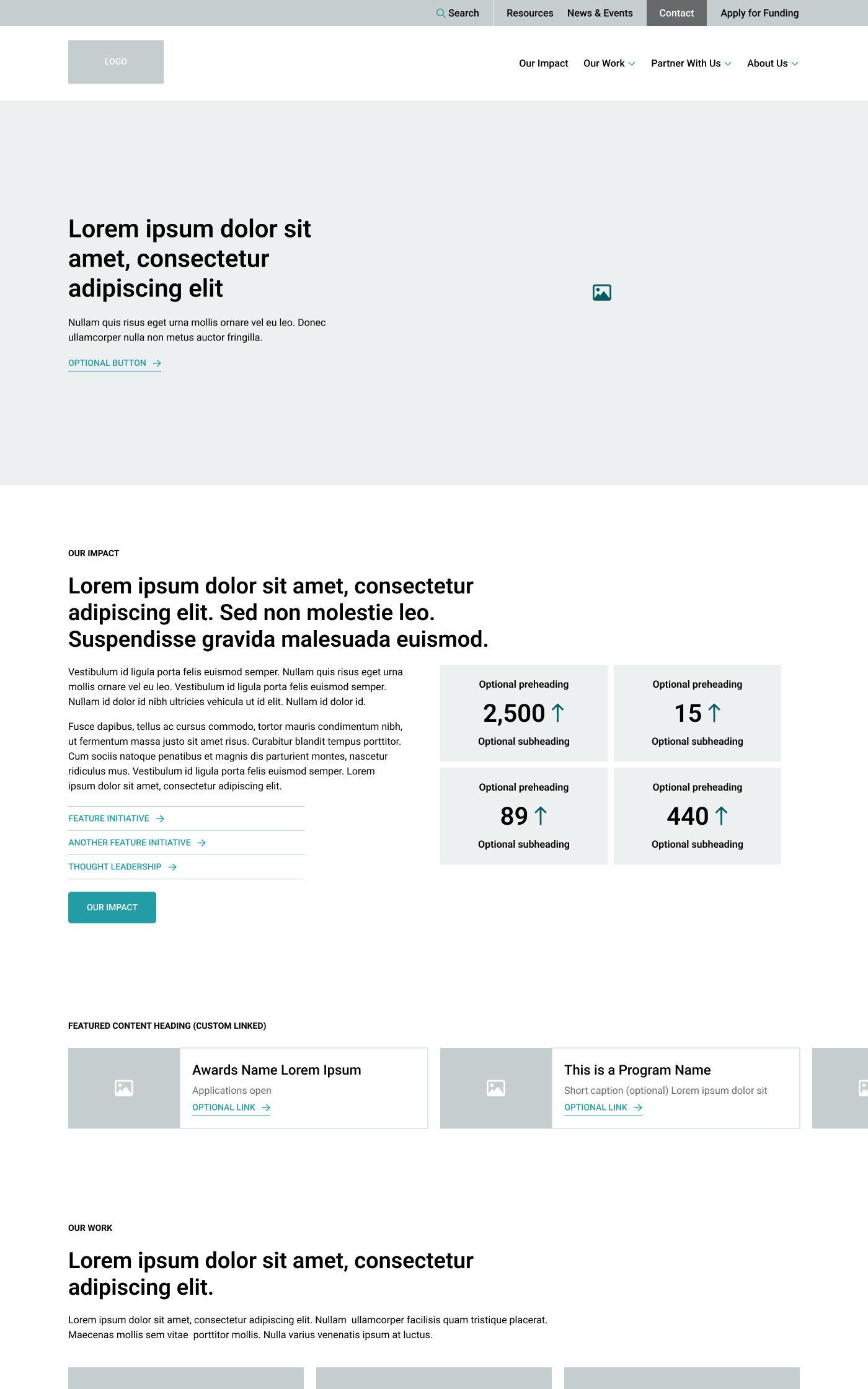
- General functionality: Make sure the overall functionality is represented in your UX wireframes. While it isn’t necessarily interactive, the functionality should be represented.
- Navigation: Can users get to key content through a journey that makes sense? At the Interior UX prototype step you will get to review how all page templates work together into a complete journey.
- Structure: Do the components and layouts within each page suit your needs for the content?
- Order of items on page: While it’s possible to adjust this later, ideally the page layouts in the UX designs are as close as possible to what you will launch.
- Content volumes: Do the approximate word counts for each section look right, and is all of the content you want to have represented?
- Amount of imagery: Can you support all of the placeholder images, icons, videos, and other graphics, or do you need more (or fewer)? Determine if iconography is ideal to represent specific content or if you would prefer images, or no visuals.
- Filters: If you have filters on one or more parts of your site, we need to know what the taxonomies should be. Common examples are category, type, service, and region. We don’t need to know all of the options within each filter. Taxonomies are often either carried over from your existing site or recommended in the sitemap.
- Forms: We can design form sections assuming that you’ll be using our recommended WordPress plugin, Gravity Forms. But if you plan to embed forms from another platform, we need to know so that we design these spaces differently.
- Flexible where you need flexibility: Some templates (such as programs or services) may have multiple instances that don’t need all of the same sections. We flag these as “optional.” You can change the sections on any page after launch, but we need to lock in templates that get built to match the designs, so they can be properly QA-tested. We can speak more to this if needed!
Not important at this stage:
- Exact content: specific text, headings, and images come later in the project
- Colours, typography, application of branding and styling to elements
- Exact sizing and spacing of elements: this gets refined in the UI designs
- Mobile testing
UX approval means that all of the page layouts and individual section layouts look the way you want them, and functionality is also captured (filters, embeds, user-activated elements, other animations). We don’t expect requests for new sections, modified sections, or new functionality at later stages, and these might be billable.
We create the UX design deliverable in Figma using very basic unbranded styling to keep you focused on the navigation, structure, functionality requirements, and content volumes. Yes, it’s a lot of gray boxes—much like a building blueprint starts out as a bunch of lines.
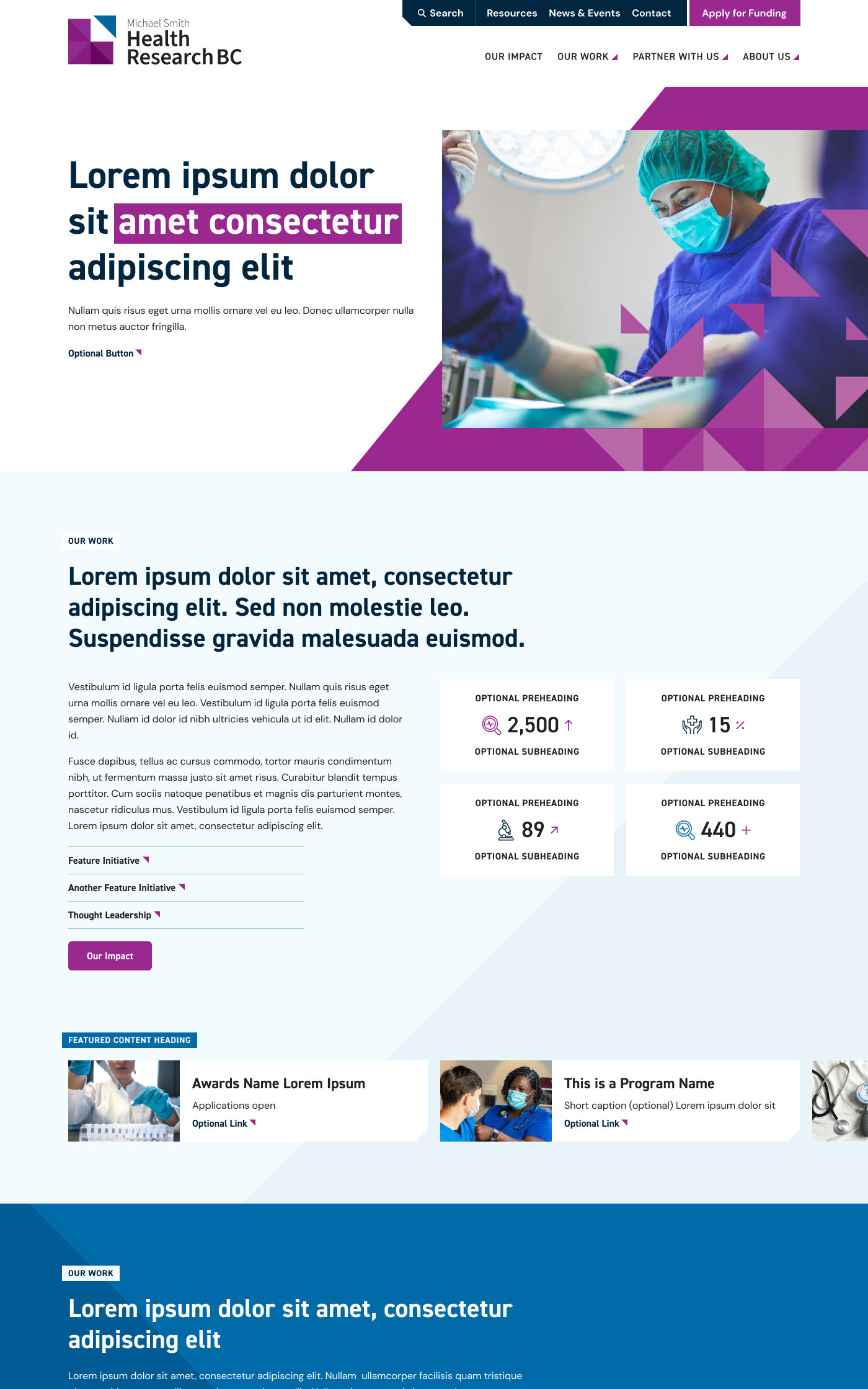
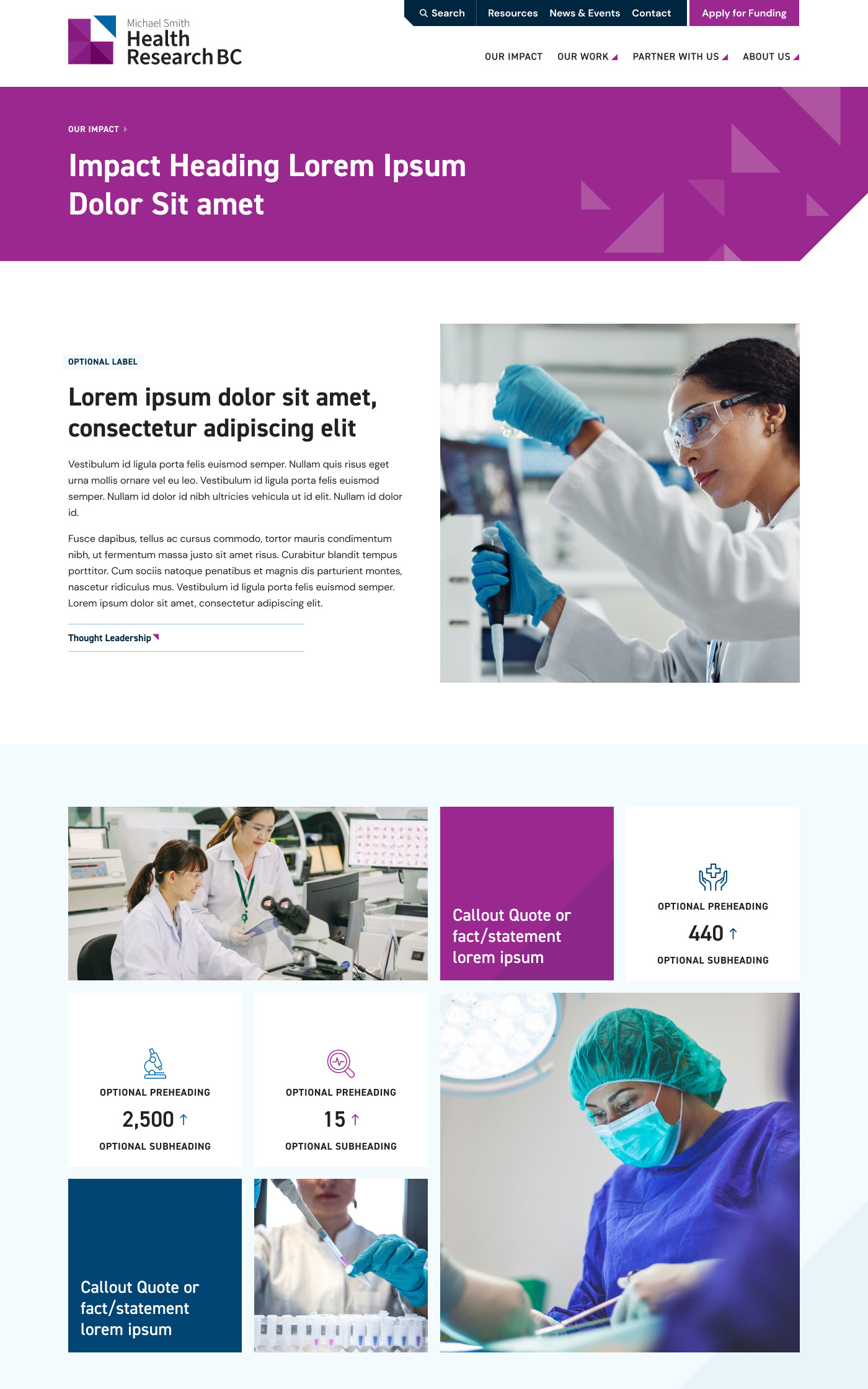
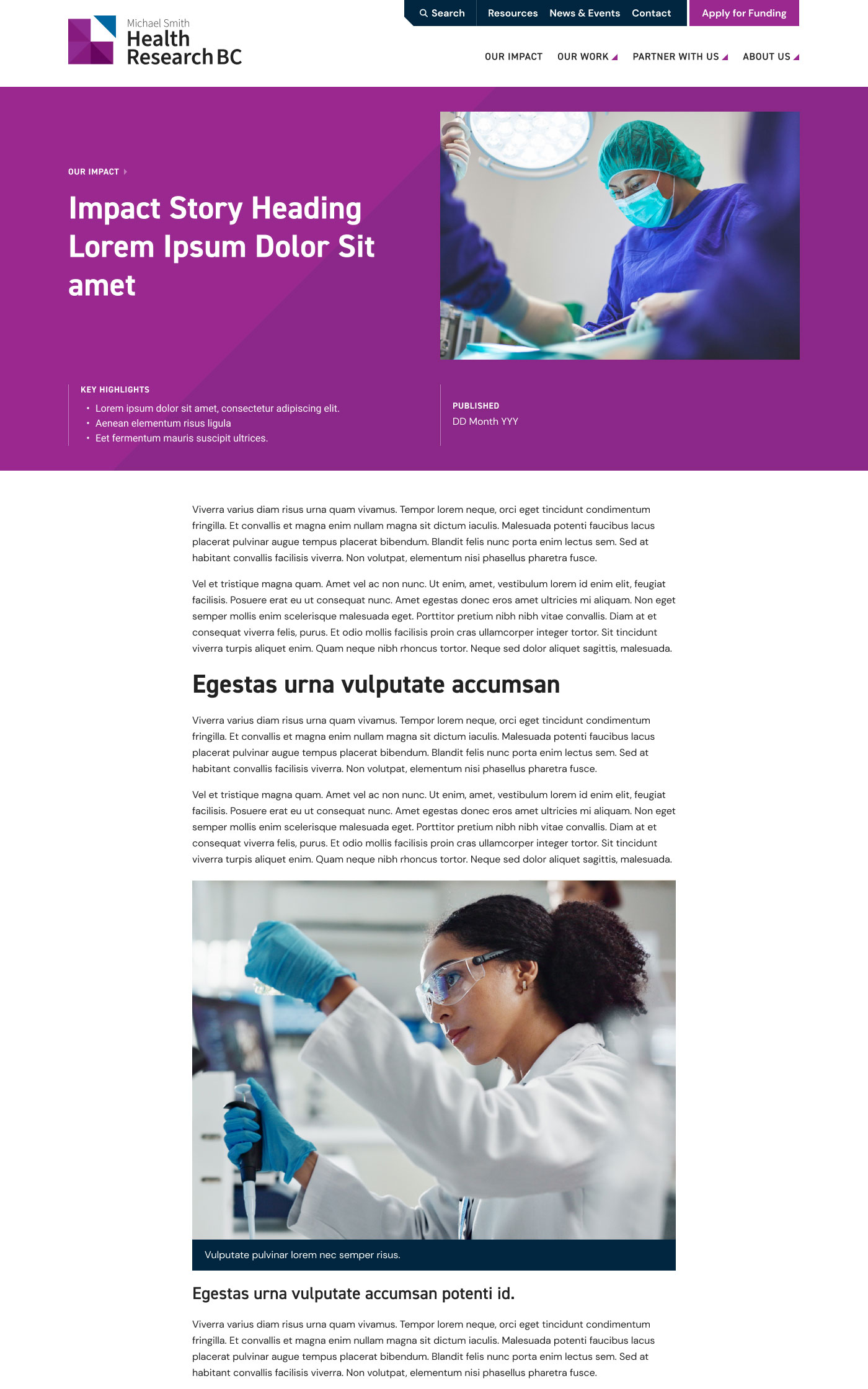
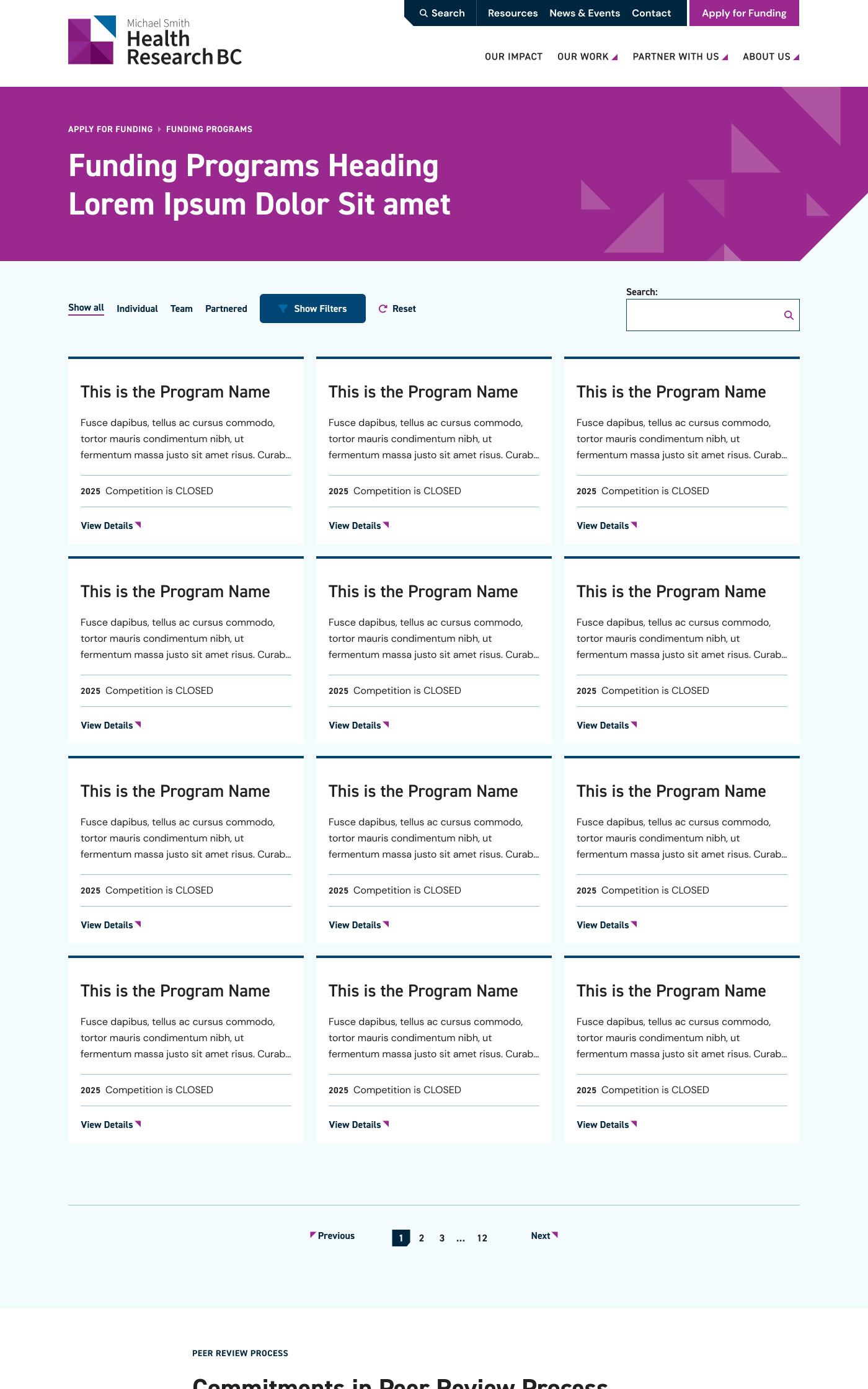
UI Design Mockups
What to review and pay attention to:
- Precise sizing of all elements (text, images, icons, graphics, etc.)
- Exact spacing of and between elements
- Image sizing and usage (although specific images will be chosen during content collection)
- Application and use of colours
Not important at this stage:
- Functionality: this should have been reviewed and approved via the UX prototype.
- Anything interactive (like hover states for buttons), these remain mostly static mockups
- Exact content
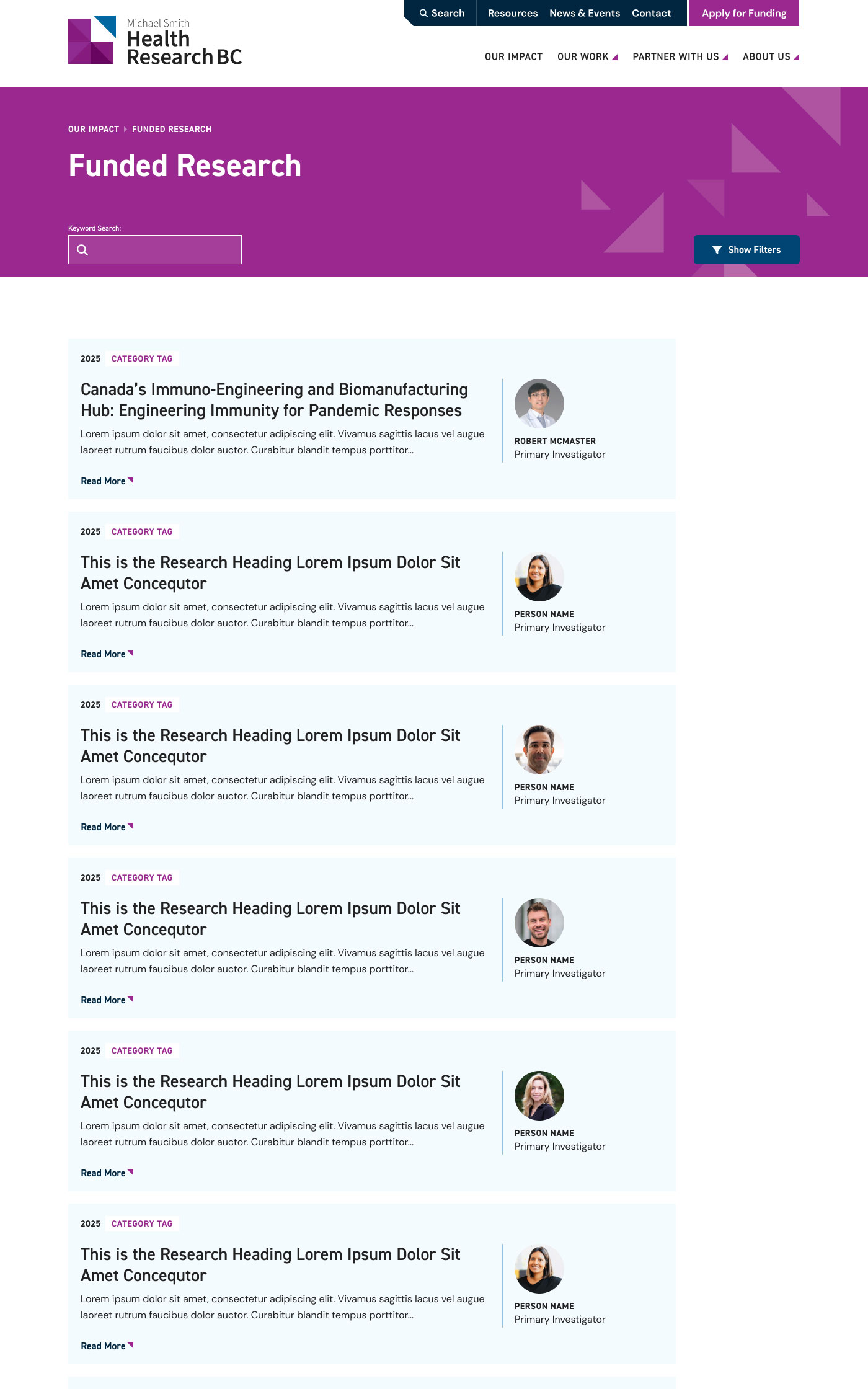
UI approval means that these mockups represent exactly what you want our developers to build—this is what your new website will look like. The intention is for your approved desktop UI to be a 1:1 plan for your actual pages, so it’s important to carefully review each page’s design from top to bottom. We’re not expecting any changes to styles, layouts, or functionality beyond this point—once the site is built, changes are billable.
Content Collection
What to review and pay attention to:
- All placeholder (‘lorem ipsum’) text is replaced
- All generated text is reviewed and revised as needed
- Site-wide messaging is on-brand and consistent
- Page titles are accurate and make sense
- The right taxonomies are indicated, if applicable
- Buttons have clear, enticing copy
- Provided images are good quality
- Keywords have been considered where relevant
- Form fields are accurate, including drop-down options
- Contact details are accurate
- Privacy Policy & Terms have been reviewed/revised
Not important at this stage:
- Layout or visual design changes
We provide a custom content collection tool for all of the text, images, and other content for your new site. Content approval means that you’ve provided us with at least 90% of the content for the site, and you’ll provide any content that was incomplete directly in the new site during QA.
QA
What to review and pay attention to:
- Set up user accounts with two-factor authentication (2FA) for security
- Review every page from top to bottom
- Tag anything that doesn’t look or work as expected via Bugherd tickets
- All missing or placeholder content needs to be filled in
- Review on various desktop and mobile devices
- Check for issues with functionality (links, hovers, scroll effects, embeds, widgets, filters, search, etc.)
- Buttons link to the right destinations (including external links and social profiles)
- Verify downloads (like PDFs)
- Make sure URLs are correct
- Test every form by submitting test data (notifications comes through correctly, email reaches the right inbox, and error messages are triggered where necessary)
- Confirm that imported content and taxonomies are correct
- Perform any additional SEO tasks that aren’t included in your project scope (such as setting focus keywords in Yoast, adding image alt text, adding custom schema, or adding custom titles and meta descriptions to high-volume or secondary content)
- Review fixes that have been done via Bugherd tickets, test and confirm that issues are solved
Not important at this stage:
- Which exact parts of the site the elements on the tile will be used for, or what they represent
- Mocking up full content sections shown in the UX designs
- Exact content
We do multiple rounds of quality assurance testing on your site before it goes live. QA ‘approval’ isn’t quite the same as other stages. After we book your launch date, if there are new or outstanding tickets that aren’t urgent and would push the launch out, we’ll recommend that they be addressed post-launch. You can approve going live with those tickets pending, or you can ask to move your launch date to our next availability.